Beautifully Wicked
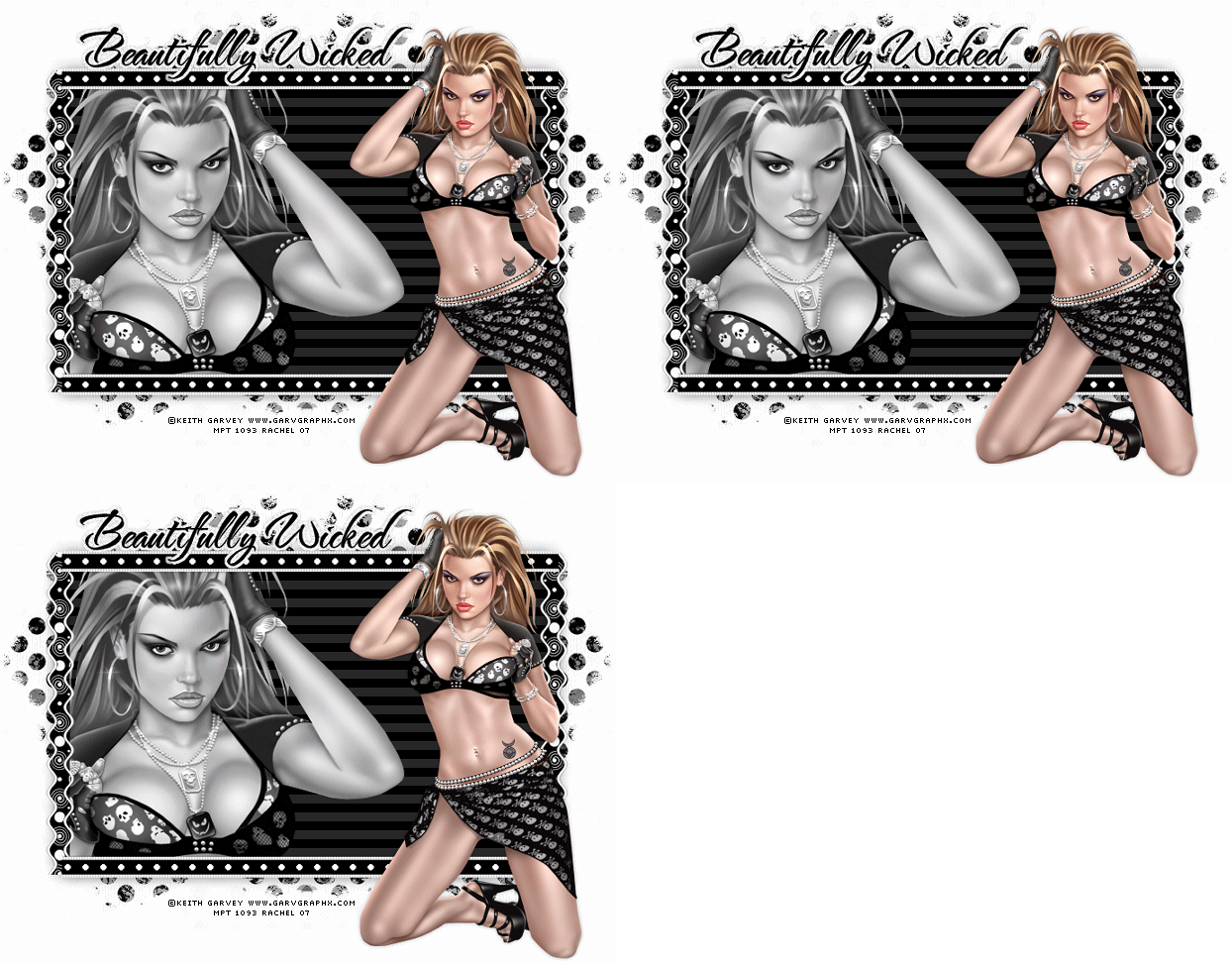
Tutorial written using Psp 9
Supplies - Here
Tube of your choice, I'm using the Beautiful art of Keith Garvey
You must purchase a license from My Psp Tubes to use his art,
You can get one Here
Black & White Scrap Kit is from Scrappy Expressions Here, Thank you Melissa.
Mask - Becky_mask021
Thank you Becky.
Font of your choice, I'm using (The NautiGal)
VM Extravaganza -Transmission
Ok on with the tutorial.
Open up a new blank canvas 700x600 fill with white .
Foreground white & background black or 2 colours of your choice.
Now grab your preset shapes tool, choose rectangle, vector , line width 5.
Draw out a nice sized rectangle ( see finished tag for reference) Convert to raster layer. Add a subtle drop shadow of your choice.
Duplicate your rectangle, stay on the duplicated layer go to :
Adjust Blur/Gaussian blur/10
Effects/VM Extravaganza/Transmission using these settings:
Line Width - 8
Offset - 0
Contrast - 40.
Still on the duplicated layer go to selections select all/float/defloat /Invert.
Copy & paste tube/image of your choice as a new layer, resize if needed & hit delete.
On the layer palette change layer mode to Luminance.
X out background layer & merge visible.
Make sure you're on the merged layer now. And add SE Black & White Ribbon as a new layer
Cut to size to fit around the rectangle Duplicate , Image/Flip[ check finished tag for reference.
Also add the SE Black & White Ric Rac do same as above only instead of flip, mirror.
Bring up the SE Black & White Paper -1 Or one of your choice.
Go to layers/Load save mask/Load mask from disk :
Becky_Mask021 using these settings:
Source Luminance - Checked
Fit to canvas - Checked
Invert Transparency - Unchecked
Hide all mask - Checked . Then hit Load.
On the layers palette right click on the mask layer & Delete. Them merge group visible.
Copy & paste as a new layer above the white background layer. Place into position ,duplicate image/mirror.
Ok now add your main tube/image & add a subtle drop shadow.
Time to add your text, any embellishments, watermark & any © info ..
That's it were finished !
I hope you enjoyed my tutorial as much as I did writing it.
Thank you
..Hugs Rachel..
Layout and Tutorial ©Rachel written on 15th October 2007.
Any similarities to this tutorial are purely coincidental & unintentional.
Registered with Tutorial Writers Inc.
